Typical key count: 61
60% layout
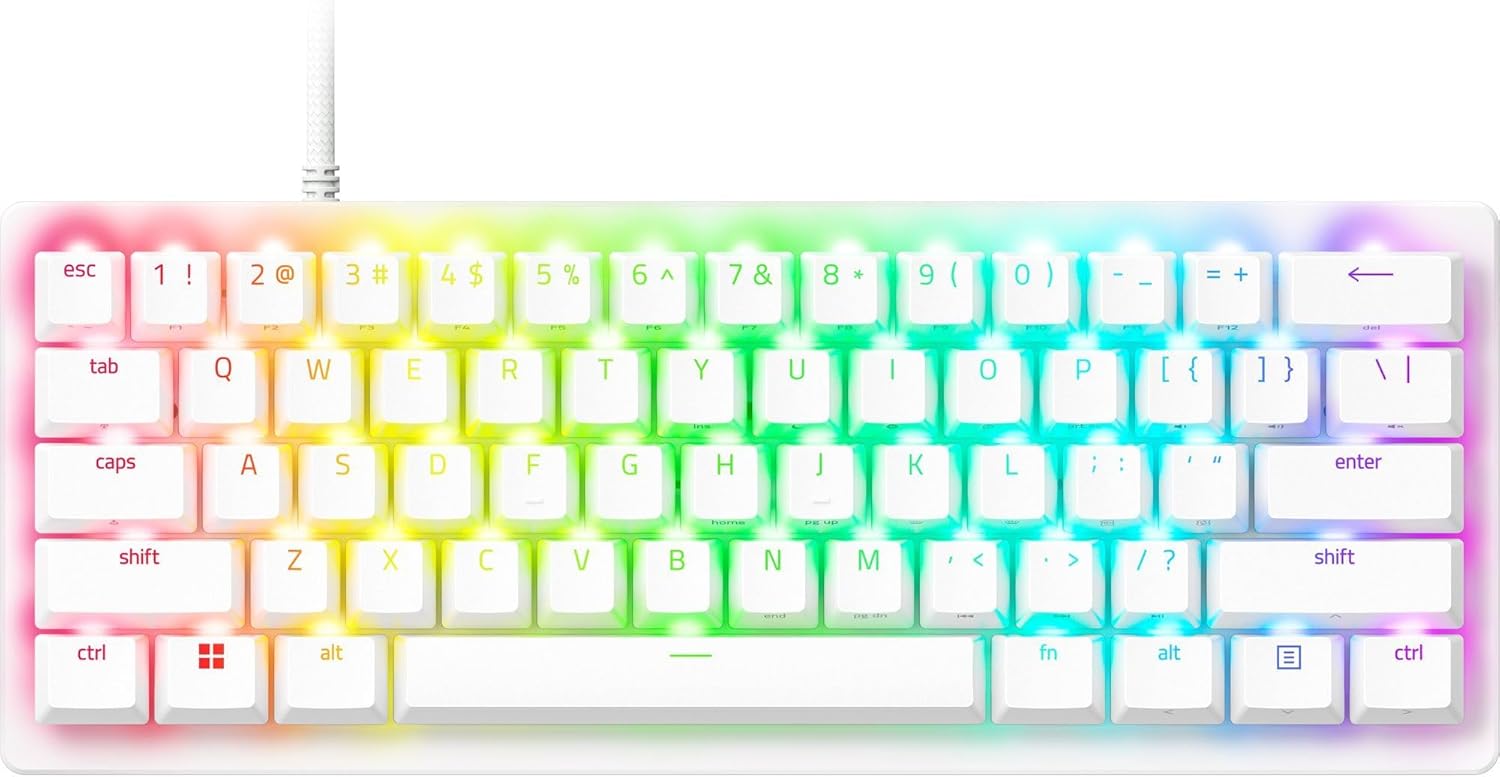
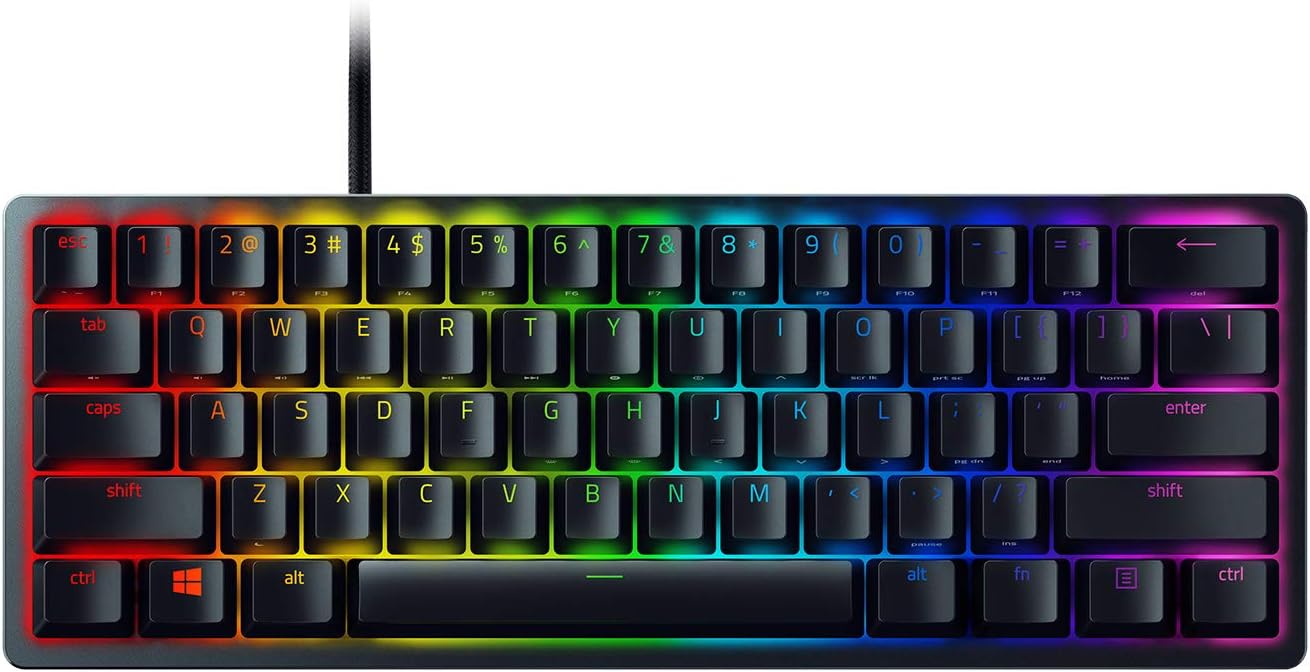
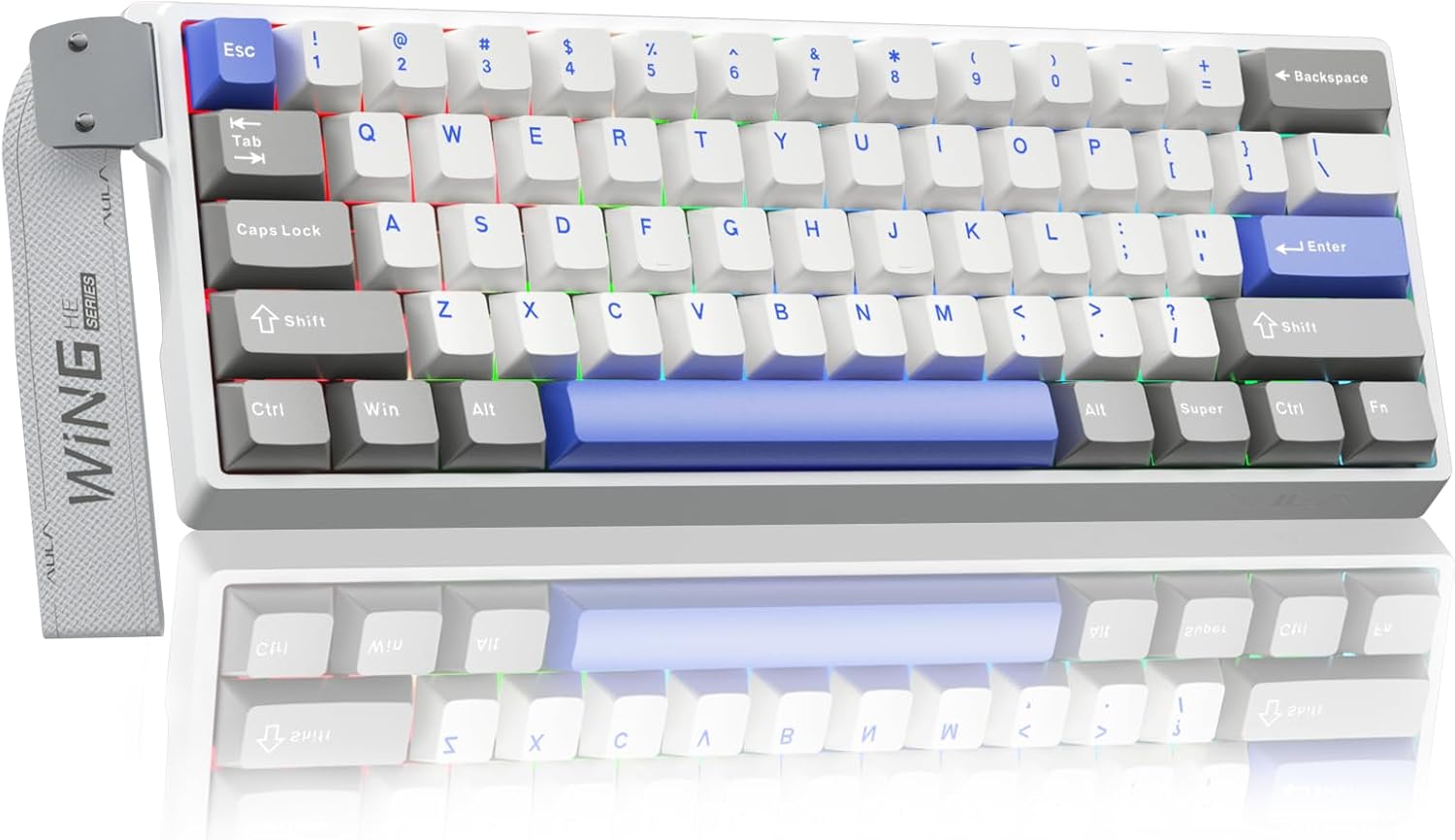
The 60% layout has just the main alphanumeric block, about 61 keys. Arrows and function keys live on a layer. Great for portability and tight desks.
A 60% board removes the function row, navigation keys, arrows and numpad, leaving 61 keys in five rows. The bottom row usually holds Ctrl, Win, Alt, a 6.25U space bar and a few modifiers. Some versions (HHKB style) offer different bottom rows.
It suits people who want the smallest practical full-feature board, and anyone who moves their keyboard often. At about 11 inches wide it leaves plenty of mouse room and fits a backpack easily.
The tradeoff is learning layers. Arrows, F-keys, Home, End and Delete sit behind an Fn key, usually with I, J, K and L as arrows or a similar scheme. Programmable firmware like QMK or VIA lets you change these.
Keycap compatibility is excellent. 60% is the most universally supported small layout, and most sets include a compatible kit. Be careful about the bottom row, since some use unusual widths.
Pros
- Very portable and desk friendly
- Wide range of keycaps and cases
- Great for gaming mouse space
Cons
- No dedicated arrows
- Layers can be confusing at first
- Slower for function-key shortcuts
Questions